
Everything PalPOS does
One system across the till, the back office and the loyalty programme. Here is the whole of it, grouped the way your business runs.
Request a demo
Selling
One app with a screen for each kind of counter.
- Hospitality register
- Category strip and photo tiles, tables, courses, covers, service types and service charge.
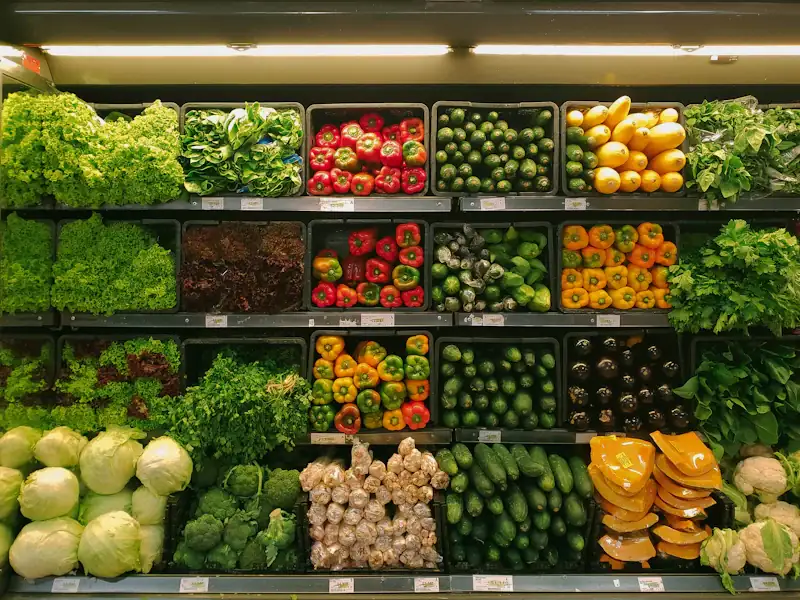
- Retail register
- Barcode entry bar, keypad, product panel and price check, with feedback in place instead of pop-ups.
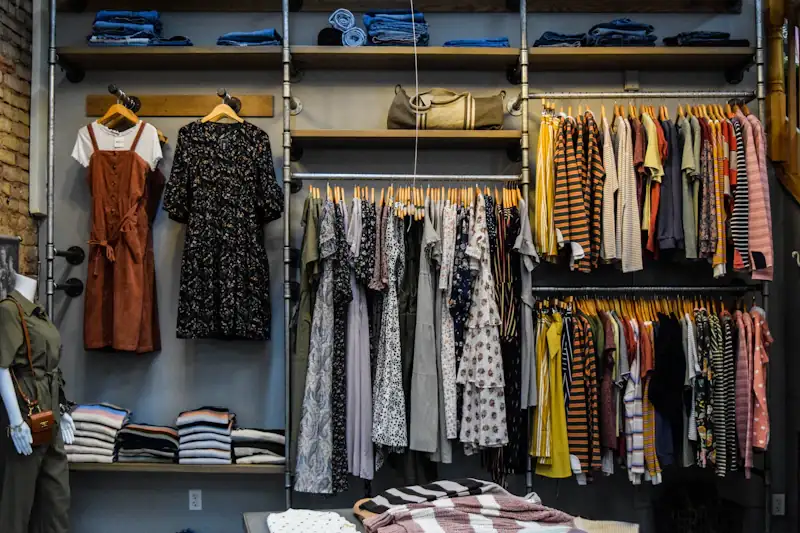
- Fashion register
- Sizes and colours, stock in other branches, exchanges in one step and gift receipts.
- Waiter handheld
- A portrait order screen for phones and small tablets.
- Windows till
- The same app as a native Windows program with self-updating installer.
- Fast payment
- One tap pays the whole ticket with the chosen method and prints.
- Held sales
- Park a ticket and pick it up later from any till in the store.
- Seller per line
- Credit each item to the employee who sold it.
Tables and kitchen
From the floor plan to the pass.
- Floor plan designer
- Draw rooms with tables, bars and decor; rotate, scale and set seats.
- Live occupancy
- Open bills, totals, guests and time open on every table.
- Join and split tables
- Seat a big party, then split the bill by item or by guest.
- Kitchen stations
- Up to 20 kitchen printers per store; each item routed per branch.
- Print queue
- Tickets for an offline printer wait and retry on their own.
- Printer status
- See which printers every till can reach, from the console.
- Service numbers
- A call number on each receipt, per store or per till.
- Kitchen ticket design
- Covers, comments, table changes and resends, designed apart from the receipt.
Catalog and pricing
Build the menu or the catalog once, sell it everywhere.
- Categories and items
- Photos, colours, names in every language, SKU, duplicate and bulk edit.
- Formats and sizes
- Small, large, half a kilo — each with its own price, barcode and stock.
- Modifiers
- Extras and “without”, with portions for halves and quarters.
- Combos and menus
- Courses with minimum and maximum picks, weekday availability and supplements.
- Price rates
- Delivery, happy hour or wholesale tariffs, promotions on a date window.
- Taxes per store
- Tax-included or tax-added rates, printed on the receipt.
- Scale barcodes
- EAN-13 weight and price labels with configurable patterns.
- Label designer
- Millimetre-precise labels with text, price and barcodes.
- Recipes
- Selling a dish takes its ingredients out of stock and costs them.
Stock and purchasing
Know what you have, where, and what it cost.
- Warehouses
- A stock ledger per warehouse; central stores and vans shared across branches.
- Purchasing
- Suppliers, purchase orders, delivery notes, invoices, returns and supplier balances.
- Transfers
- Move stock directly or through transit, between allowed warehouses.
- Inventory counts
- Blind physical counts with drafts.
- Costing
- Moving average cost per warehouse, recorded on every sale line.
- Profit and stock reports
- On stock cost or last purchase cost.
Payments and cash
Every shekel accounted for, in every currency you accept.
- Payment types
- Cash, card, on account and any method you add, with its own icon.
- Multi-currency
- Accept shekels, dollars, dinars and more with your exchange rates.
- Cash sessions
- Cash in and out with reasons, collections on account.
- Z count
- Count by note and coin, with verification steps and recount.
- Z report by email
- Sent when the day closes, or as a daily digest.
- Modify payment
- Correct how a sale was paid until the cash session closes.
Customers and loyalty
Know your regulars and bring them back.
- Customer file
- Phone, account balance, sizes and a personal discount, shared across stores.
- Points and cashback
- Earned on every sale, spent as a payment at the till.
- Membership levels
- Qualify by spend or points over a period you choose.
- Gift cards and coupons
- Designs, printed batches, balances and single-use codes.
- Stamp cards
- Buy nine, the tenth is on the house.
- Digital cards
- Apple Wallet and Google Wallet passes, an SMS link and a sign-up page.
Team and permissions
The right people, with the right buttons.
- Employee PINs
- Fast sign-in on the till, with Administrator, Manager and Cashier built in.
- Role permissions
- Detailed till rights and discount caps, enforced by the server.
- Manager override
- A manager approves an action with their PIN; every approval is audited.
- Back-office access
- Per area: no access, view or manage. Sign out other devices.
Reports and insight
The numbers, the way you think about them.
- Sales statistics
- 13 groupings: cashier, employee, category, item, customer, date, store, payment, service type, document, hour, size and colour.
- Dashboards
- Charts and a store switcher in the Office console.
- Sales and cash browsers
- Find any receipt, cash session or held table.
- Exports
- Download or send any report by email.
Stores and the Office console
One company, many branches, one place to manage them.
- Company, stores, tills
- Taxes, price rates, rooms, currencies and warehouses per store, narrowed per till.
- Office console
- A mobile-first web back office that installs like an app.
- Arabic right-to-left
- Every screen laid out for Arabic, not just translated.
- Edit anywhere
- Change a setting on the till or in the console; it reaches every device.
Reliability and security
The parts you only notice when they are missing.
- Offline mode
- Sell, park tables and take cash with no internet; sync once when back.
- Immutable records
- Receipts and numbering never change; corrections are returns.
- Tenant isolation
- Your company’s data is separated on every request.
- Signed licences
- Per-till licences, signed and valid offline for a grace period.
- Audit log
- Who did what and when, kept for a year.
- Automatic updates
- Signed updates for Android and Windows, stable and beta channels.
See PalPOS with your own menu
Send us a few details. We will set up a demo with your items and walk you through it.
Request a demo